1xBet Promo Code XPUMP in 2026 and Where to Enter It Correctly
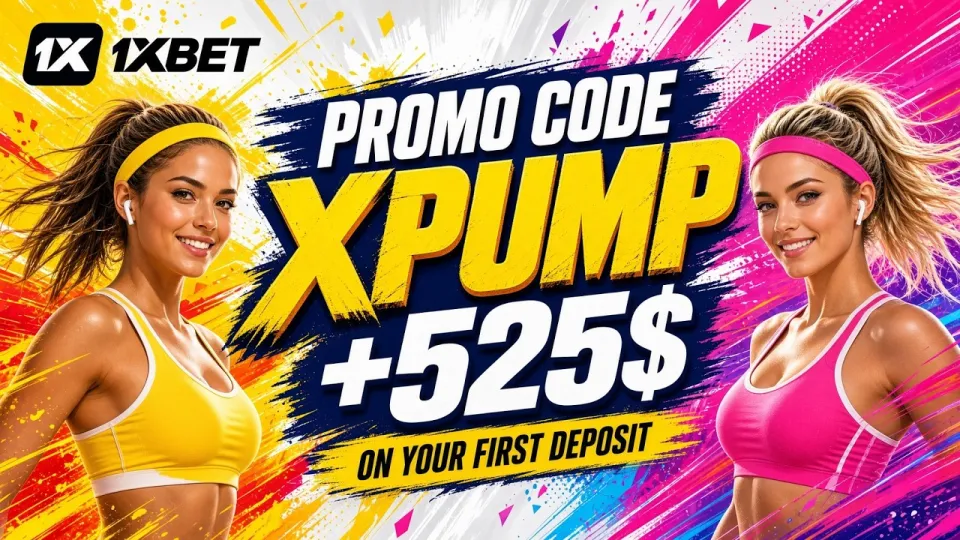
· based on the channel GenrY
Key takeaways
- The promo code is XPUMP and it is entered in a dedicated field on the 1xBet registration form.
- The code unlocks a welcome bonus of up to +525$ on the first deposit according to the video description.
- The code only works once per new account and only before the first deposit is made.
- The link https://kliky.cc/1x_bonus leads to the bonus page used in the GenrY guide.
- After registration the code cannot be added retroactively to an existing account.
The 1xBet promo code XPUMP is a registration code that you type into the promo code field on the 1xBet sign-up form before you create your account and make your first deposit. Entered correctly, it activates the welcome offer shown on the 1xBet bonus and registration page, which the video description lists as up to +525$ on the first deposit. The code is case-sensitive in practice, so it is typed exactly as XPUMP with no spaces.
What the 1xBet promo code XPUMP actually does
XPUMP is a welcome code, not a permanent discount voucher, so its whole job happens at the moment of registration. The 1xBet sign-up flow has a single field labelled for a promo code, and whatever you type there is attached to the new account permanently. That means the code has to be in place before the first deposit is processed, because the welcome percentage is calculated on that first payment and the system checks which code the account was created with.
The offer described alongside the code is a first-deposit bonus of up to +525$. As with any betting welcome package, the amount is a ceiling rather than a fixed payout: the bonus scales with the size of your first deposit up to the limit, and the credited funds arrive as bonus money that must be wagered under 1xBet's terms before withdrawal. The exact wagering requirement, minimum deposit and eligible markets are set by the operator and can change, so the terms page of the offer is the authoritative source at the moment you register.
Where to enter the promo code during registration
The promo code field only exists inside the registration form, so you will not find it in your account settings after the fact. The sequence is short and the same on desktop and mobile:
- Open the 1xBet site or app and start a new account registration.
- Choose a registration method (one-click, phone, email or social) — the promo code field appears in the form regardless of the method you pick.
- Find the field marked for a promo code and type XPUMP exactly, in capitals, with no leading or trailing spaces.
- Complete the remaining fields, confirm the terms and finish registration.
- Make your first deposit, which is where the welcome percentage is applied.
If you register in one click and the form collapses before you reach the code field, reopen the full registration form rather than creating the account first — a one-click account without the code cannot be fixed afterwards. The same applies to registration through a partner link that already carries a code: in that case the field may be pre-filled, and you should check that it shows XPUMP before submitting.
Setting it up correctly on desktop and mobile
Setup problems with the XPUMP code almost always come down to the same handful of causes, and each has a straightforward fix. On mobile, the 1xBet app and the mobile browser version both include the field, but the app sometimes remembers an old form state, so closing and reopening the registration screen is the first thing to try if the field seems missing. On desktop, an ad blocker or a stale cached page can hide parts of the form; disabling the blocker for the site or reloading in a private window usually restores it.
The other frequent issue is typing. Autocorrect and autofill can turn XPUMP into something else, add a space, or lowercase it, and the field gives no error message — the account is simply created without the bonus. Type the code manually, check the characters one by one, and only then press the confirm button. If you have already registered without the code, the field cannot be added later; the only route to the welcome offer is a new account registered with XPUMP from the start, assuming you have not already claimed a welcome bonus on the previous one.
Common questions and doubts about the XPUMP code
A recurring doubt is whether the code costs anything or requires a separate purchase — it does not; it is free text entered during sign-up, and no payment is involved in applying it. Another common assumption is that the code can be stacked with other promotions found on the site. In practice a welcome code occupies the new-account slot, and additional bonuses follow their own rules rather than combining automatically with the first-deposit offer.
Players also ask what happens if the first deposit is small. The bonus is proportional, so a modest first deposit produces a modest bonus rather than the full +525$ ceiling, and the wagering requirement still applies to whatever is credited. Finally, there is the question of whether the code works on an existing account that has never deposited — it does not, because the code is bound to the registration record, not to the deposit event. If you are unsure which situation you are in, checking the bonus terms before depositing is faster than trying to correct it afterwards.
Bonus terms worth checking before you deposit
A promo code is only as useful as the conditions attached to the money it unlocks, so read the welcome offer terms before the first payment. The key figures are the minimum qualifying deposit, the maximum bonus amount, the wagering multiplier and the time window in which the bonus funds must be played through. The offer referenced in the guide is described as up to +525$ on the first deposit, which tells you the ceiling but not the multiplier, so the terms page fills in the rest.
Also check which markets count toward wagering. Bets on high-margin markets typically contribute fully, while some selections contribute partially or not at all, and cancelled or void bets never count. Bonus funds are usually kept separate from real money until the requirement is met, and withdrawing before then can forfeit the remaining bonus. None of this is unique to XPUMP — it is standard welcome-bonus mechanics — but it is the part most players skip.
Useful links from the guide
- 1xBet bonus and registration page with the XPUMP code — the main link from the video, leading to the bonus offer.
Summary
The 1xBet promo code XPUMP is a one-time registration code typed into the promo code field of the sign-up form, before the first deposit, and it unlocks a welcome offer described as up to +525$ on that deposit. It cannot be added to an existing account, it must be typed exactly, and its value depends entirely on the wagering terms attached to the bonus. The step-by-step breakdown in this article follows the walkthrough published by the GenrY channel, which covers where the field sits and how to avoid the usual setup mistakes. If you are ready to register, start from the XPUMP bonus page and enter the code during sign-up rather than after it.
Questions & answers
Can I add the XPUMP promo code after I have already registered?
No. The promo code is stored with the registration record, and 1xBet does not provide a way to attach it to an existing account afterwards. If you registered without it and have not claimed a welcome bonus before, the only route to the offer is a new account created with XPUMP entered in the form.
Does the XPUMP code give a fixed bonus amount?
It does not. The offer is described as up to +525$ on the first deposit, which is a ceiling: the actual bonus scales with your first deposit and is capped at that figure. The credited bonus money is then subject to wagering requirements before it can be withdrawn.
Why did nothing happen after I entered the code?
The most common reasons are a typo, an extra space, lowercase letters inserted by autocorrect, or the field being skipped in a one-click registration. The form usually gives no error, so the account is created without the bonus. Type XPUMP manually in capitals and confirm it is visible in the field before submitting.
Does the code work in the mobile app as well as on the website?
Yes, the promo code field appears in the registration form in both the 1xBet app and the mobile browser version. If the field seems to be missing in the app, close and reopen the registration screen, since the app can retain an outdated form state.
Source: 1xBet Promo Code XPUMP: Where to Enter It and Set It Up Correctly · Markdown version